Get Vibe Remote

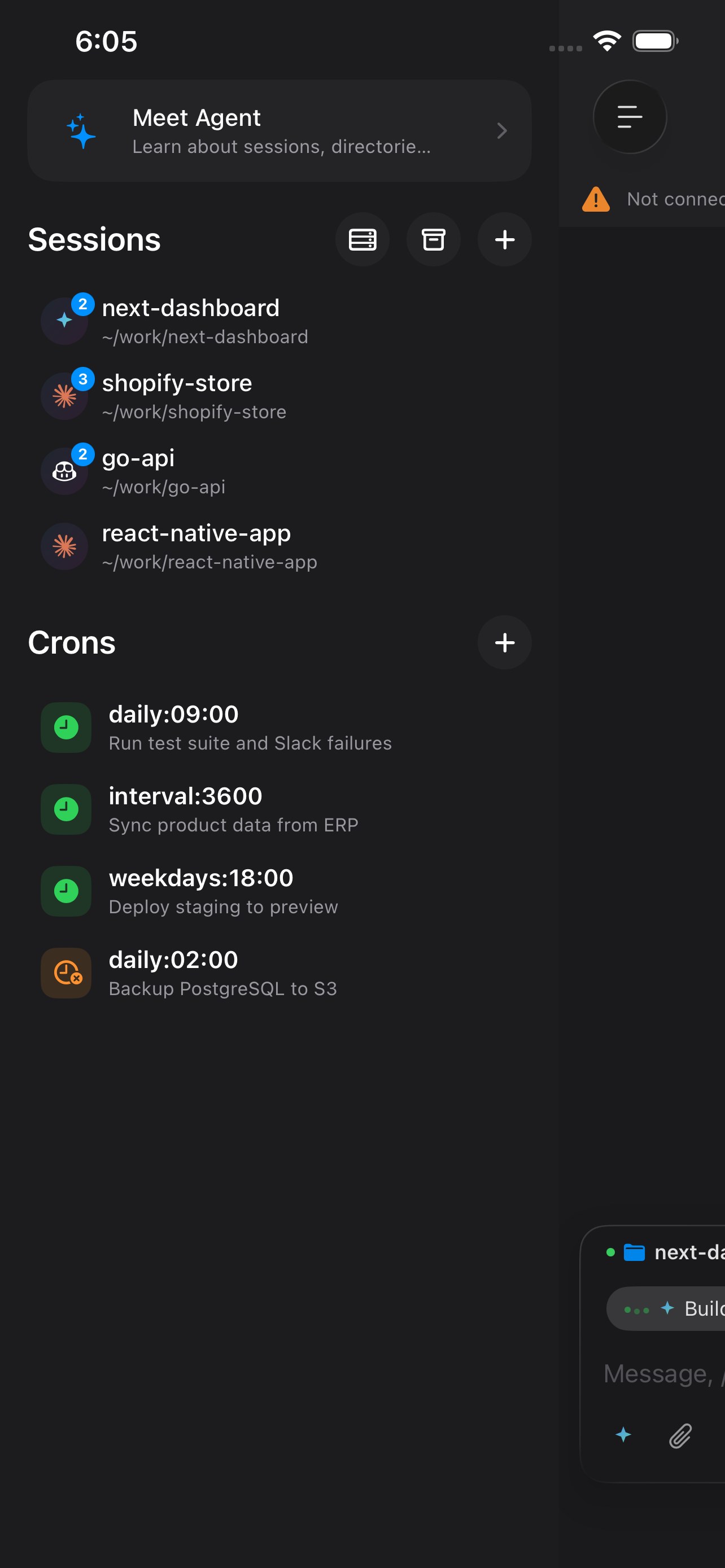
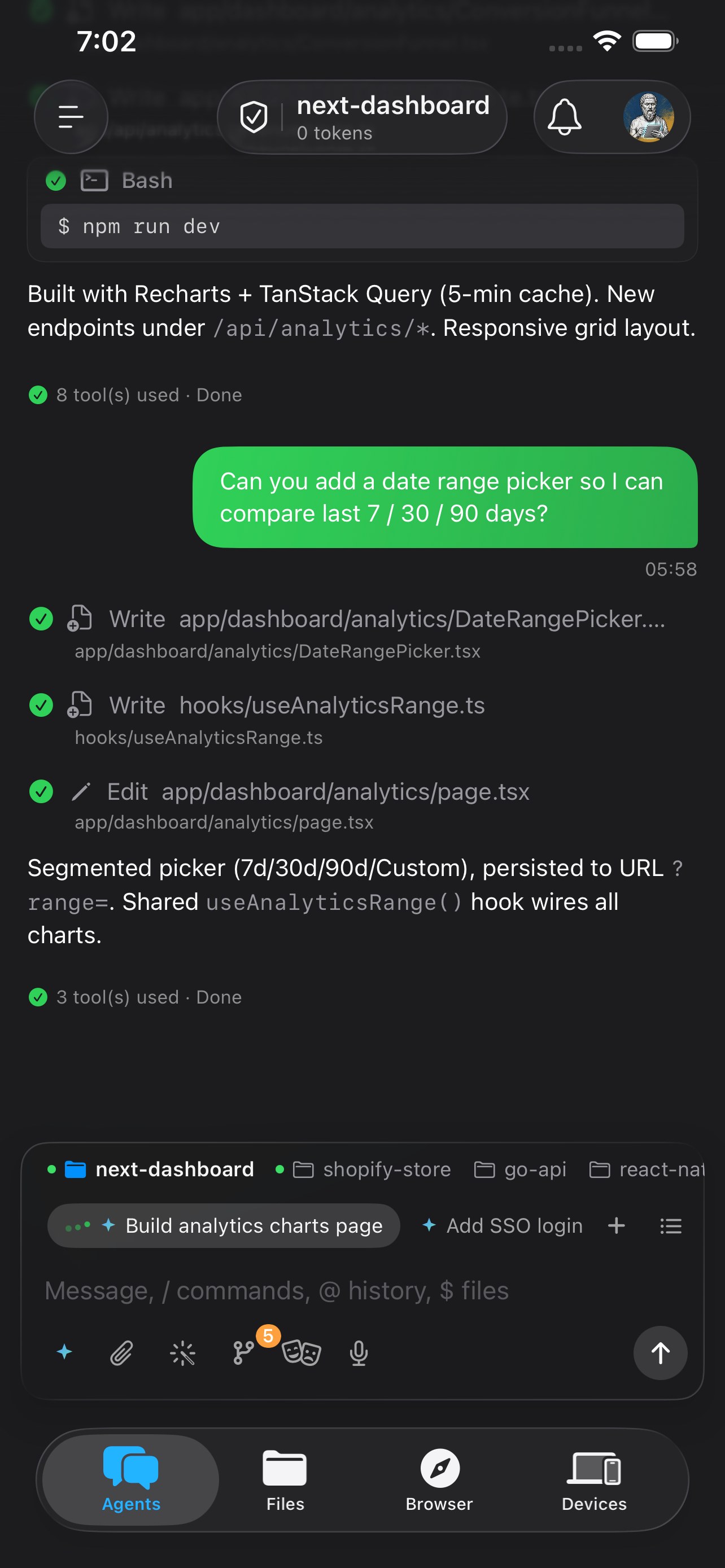
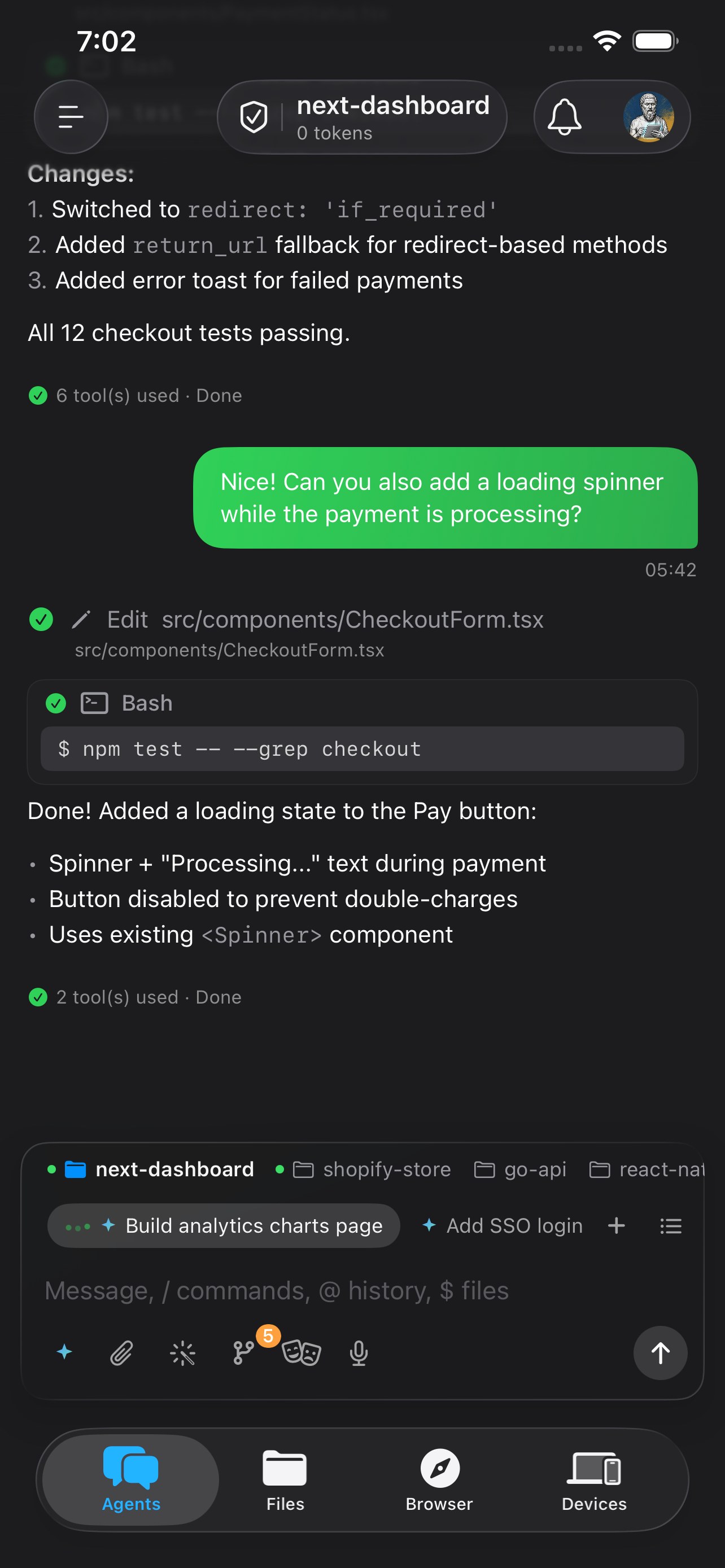
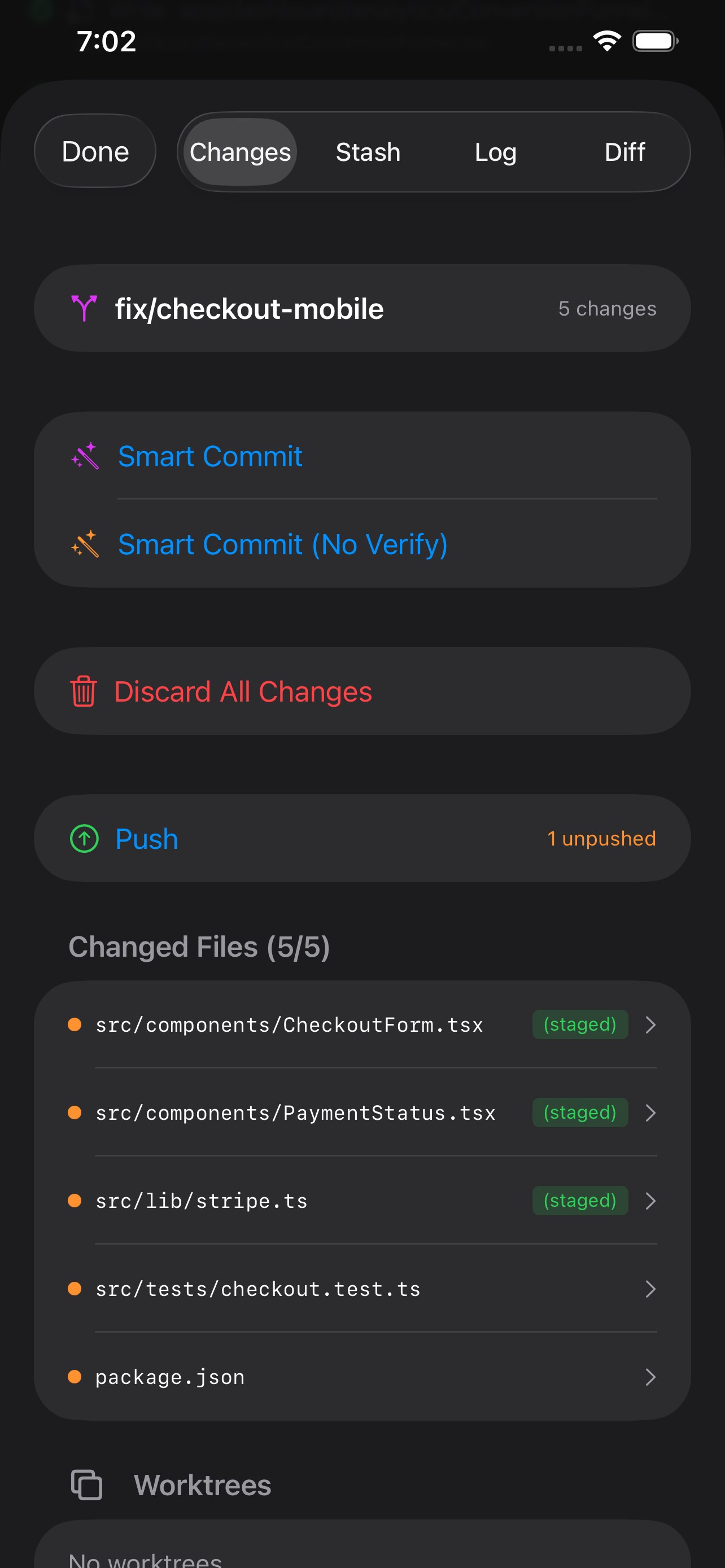
Install the iOS app on your iPhone, then run the CLI agent on your computer.

iOS App

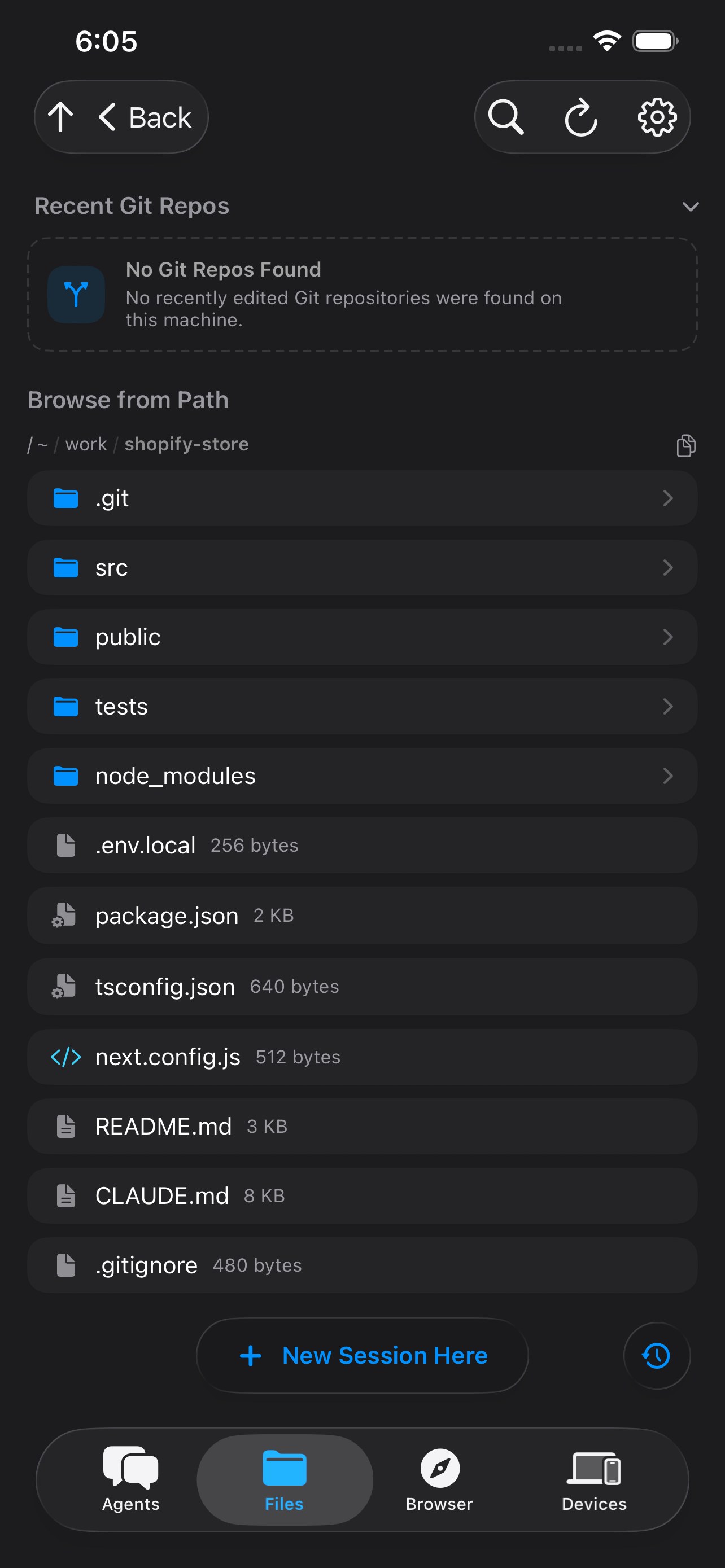
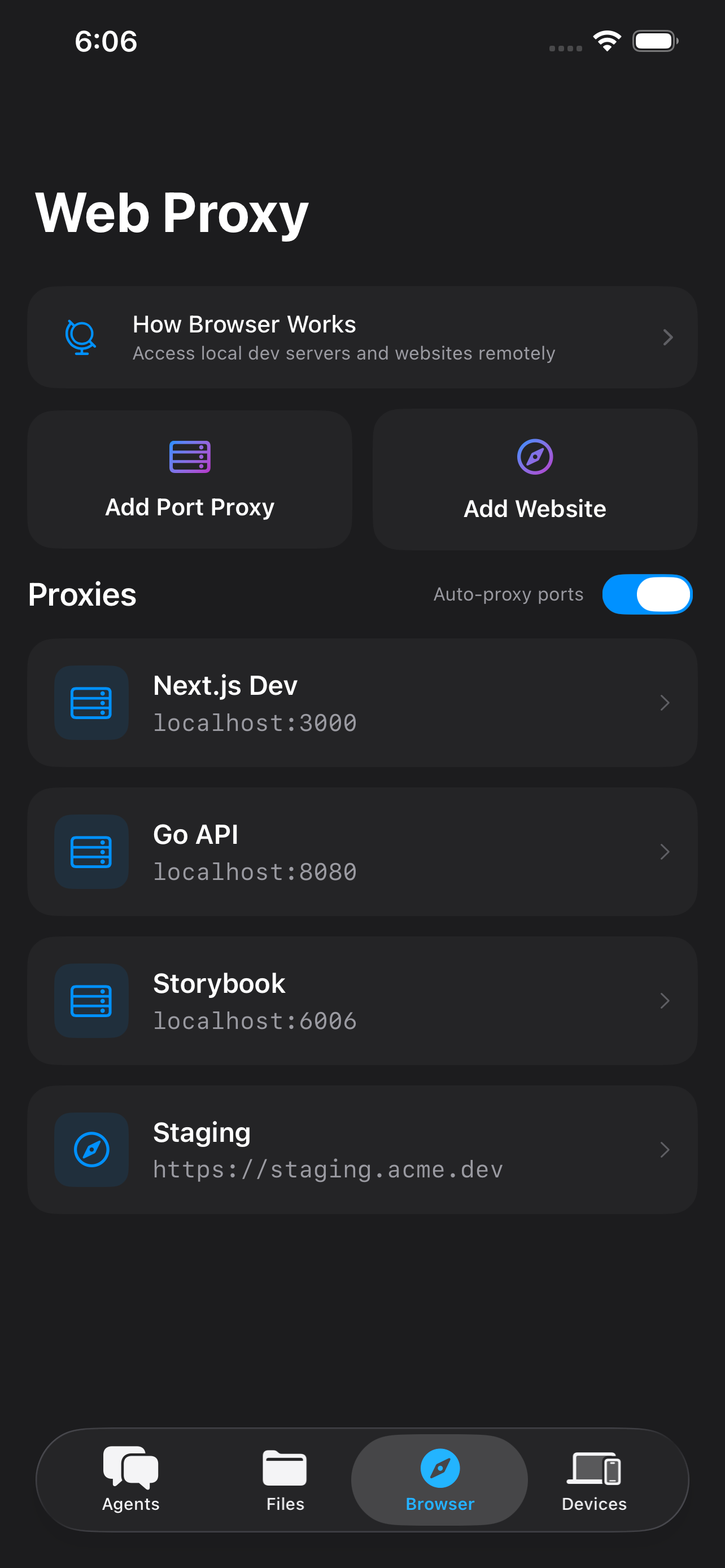
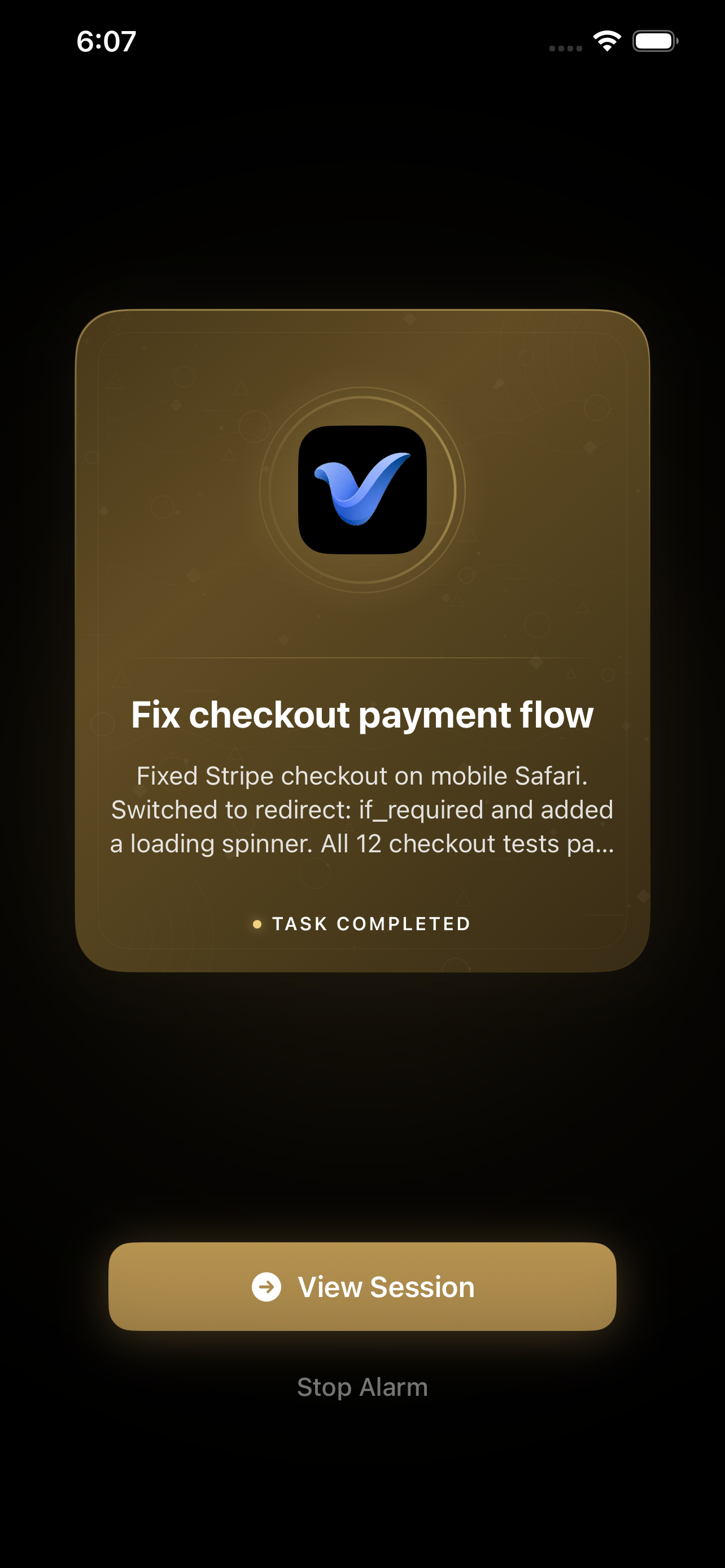
Control your computer from your iPhone. Scan the QR code or tap the button to install.

App Store

Scan QR code or tap button

Get started in
60 seconds.

$curl -fsSL https://vibe-remote.com/install.sh | shCopy
Detected: darwin/arm64, linux/amd64
Downloading binary...
vibe-remote installed successfully!
$ Vibe Remote
Status: online
[install] Scan to install iOS app:
iOS App Install QR Code
[install] https://vibe-remote.com/download

Frequently Asked Questions

The product is free forever. Free users get 1 persistent session window per directory (up to 3 directories) and 1 scheduled task. Each session window can be used unlimited times — chat, clear, compact, and reuse freely. A PRO subscription unlocks unlimited sessions, advanced controls, and priority support.
Yes. All communication is end-to-end encrypted with asymmetric encryption. No intermediate node — including the relay server — can read your data. The relay is a dumb pipe: it only forwards encrypted bytes between your iPhone and your machine.
No. Vibe Remote has built-in remote access. As long as your machine is running the CLI agent and connected to the internet, you can reach it from anywhere — no Tailscale, no VPN, no port forwarding required.
You need two things:
  1. A computer with Claude Code, Codex, Gemini CLI, or OpenCode already set up and working.
  2. An iPhone to install the Vibe Remote app on.

That's it. Run the one-line install command on your machine, scan the QR code, and you're in.

Yes. You can deploy your own relay on a public server or inside a private LAN. The relay is freely available as a standalone binary and requires no configuration to get started. See the self-hosting guide →
Absolutely. 95% of Vibe Remote itself — including the iOS app, all backend services, the relay, Kubernetes deployments, full CI/CD pipelines, web UI verification, and git management — was built entirely from a phone. We built it while watching TV in the living room, using voice chat to guide the AI. If we can ship a production app this way, so can you.
Subscriptions are handled entirely through Apple's in-app purchase system (StoreKit). We never see or store your payment details — all billing, receipts, and refunds go through Apple.
  • Subscriptions auto-renew unless cancelled at least 24 hours before the end of the current period.
  • You can manage or cancel your subscription at any time in iOS Settings → Apple ID → Subscriptions.
  • Refunds are handled by Apple. You can request one at reportaproblem.apple.com.
  • Cancelling stops future charges immediately; access continues until the end of the paid period.